Hard Drive Data Recovery Services
Hard drives can lose data due to physical damage, accidental deletion, hardware failure, corruption, water or fire damage, or malware. SalvageData's certified engineers recover data from any hard drive, of any brand, with a free in-lab evaluation and a No Data, No Charge guarantee. You'll always know the cost before you commit. If your situation can't wait, ask about our emergency data recovery service when you start your case.
Watch our tour
24/7 Emergency Services
No Data - No Charge
Drop-off at 100+ locations
Fast Recovery
Request a free hard drive recovery quote
Tell us what's happening with your hard drive and our system will instantly estimate the recovery possibility, price, and turnaround time. Every case starts with a free evaluation, backed by our No Data, No Charge guarantee. Prefer to talk it through first? Call us 24/7 and our team can also fast-track urgent cases into emergency evaluation.
What seems to be the problem with your device?
Signs and causes of hard drive failure
Not every hard drive failure looks the same, and the type of failure determines what should happen next.
Signs your hard drive may be failing
- Clicking, grinding, or beeping noises when the drive powers on
- Drive not detected by your computer or file explorer
- Corrupted or missing files, folders, or partitions
- Slow transfers or repeated freezing when reading or writing files
- Unusual heat or vibration during normal use
Logical failure causes
- Accidental deletion of files or folders
- Corrupted file system from an improper shutdown or crash
- Failed software or firmware update
- Virus or malware infection
- Incomplete or accidental formatting
Physical and mechanical failure causes
- Drops or physical impact
- Water, fire, or smoke damage
- Electrical surges or power failures
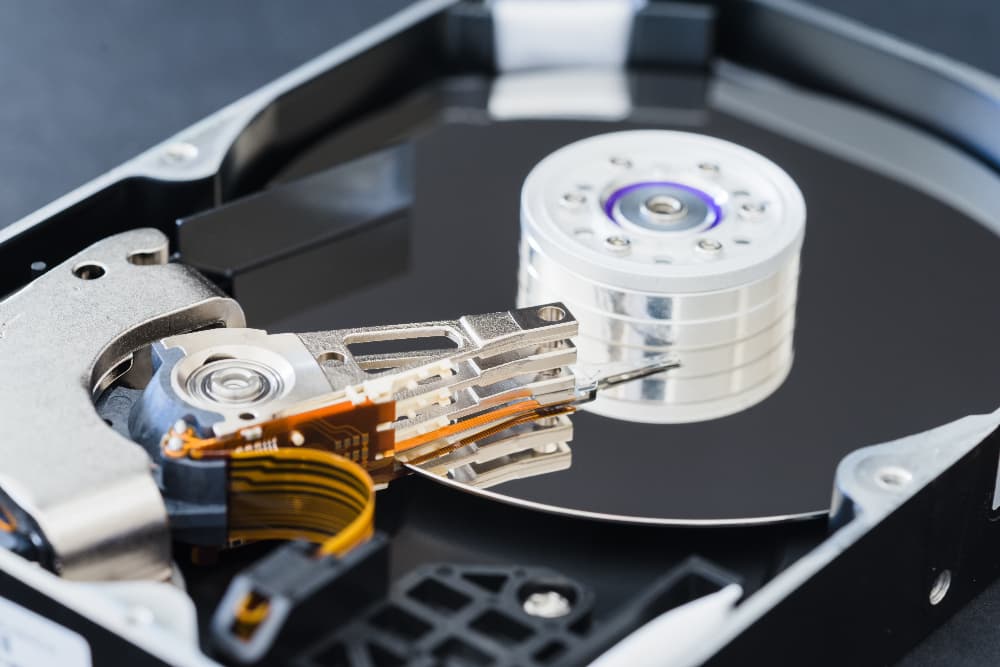
- Worn or damaged read/write heads
- Spindle motor failure
Not sure which one applies? Stop using the drive immediately and request a free in-lab evaluation.
Start Your Free EvaluationRecover data with the highest levels of security and privacy
Get your data recovered in an ISO-level secure laboratory and highly-rated professionals with years of experience in secure HDD data recovery. In order to satisfy the stringent security requirements set by the corporate customers and government agencies we serve, SalvageData also undergoes annual company-wide SOC 2 Type II audits, which validate the effectiveness of information protection methods at every stage of recovery.






We've helped thousands restore lost data, check out their reviews

Hard Drive Data Recovery | Testimony

Hard Drive Data Recovery | Testimony

External Hard Drive Data Recovery | Testimony

Hard Drive Data Recovery | Testimony

External Hard Drive Data Recovery | Testimony
Hard Drive Data Recovery | Testimony
Hard Drive Data Recovery | Testimony
External Hard Drive Data Recovery | Testimony
Hard Drive Data Recovery | Testimony
External Hard Drive Data Recovery | Testimony
Hard Drive Data Recovery | Testimony
With over 100 locations, you can find our services near you
When you bring sensitive data to a SalvageData facility, you're not just choosing convenience—you're choosing security. Every one of our 100+ North American locations follows the same strict recovery protocols, backed by SSAE 16 SOC3 Type III certification and a documented chain-of-command. Visit your nearest location today for a no-cost evaluation.
Our HDD data recovery process
When it comes to data loss, SalvageData's technicians apply cutting-edge recovery technology and advanced certified equipment to retrieve missing data even in the most hopeless cases. Here's how we recover lost data from hard drives, from evaluation to sending your data back to you.

Evaluation
1
First, we need to access and evaluate your hard drive at our ISO-certified laboratory. This allows us to make an accurate diagnosis, determine if the data recovery is possible, and send you a detailed quote. This is also where we confirm whether your drive's issue is logical or physical — see Signs and Causes of Hard Drive Failure above if you're not sure what you're dealing with.
Review & recovery
2
After your approval, we start recovering your data. With a 96% success rate in data recovery, our qualified engineers can quickly and efficiently send you a list of the recovered data for your review. We only send you the invoice after you guarantee that we restored all the data you need.
Receive data
3
Depending on the condition of your device, we can return the HDD with all the restored data back to you via secure shipping, by loading the files on a new device, or simply sending it to you digitally. You can track every step via the Case Tracker or the SalvageData app.
See what others say
Verified reviews from satisfied clients worldwide.
How much does hard drive recovery cost?
Whether your hard drive has suffered physical damage or logical corruption, the cost of recovery depends on the type of failure and how complex the repair process is. Every estimate starts with a free evaluation, backed by our No Data, No Charge guarantee — you'll know the cost before any work begins. Need it back faster? Ask about upgrading to emergency data recovery service when you request your evaluation. The breakdown below highlights the most common HDD problems, so you can see which recovery tier may fit your situation.
Do you need emergency data recovery services? Call us now!
Minor
$300–1,000
Deleted data
Corrupt sectors
Quickly formatted
Slow Reading
Missing Files
Blue or Black Screen
Blinking Light
Moderate
$600–1,500
Power surge
Controller chip failure
Degraded surface
Slow Reading
Clicking Hard Drive
Beeping or Buzzing HDD
Dropped Hard Drive
Hard Drive Not Found
No Power
Blinking Light
Severe
$1,000–2,000
Spindle seizure
Read/write head crash
Advanced firmware
Clicking Hard Drive
Beeping or Buzzing HDD
Hard Drive Not Found
No Power
Extreme
$1,800–2,700+
Platter damage
Fire / Water
Edge Case
Clicking Hard Drive
Scratching or Grinding Sounds
We recover data from all hard drive manufacturers
Our technicians are certified to provide data recovery services to all HDD manufacturer brands without affecting your device's warranty.


Why choose SalvageData
Choose SalvageData for secure, fast, and risk-free data recovery, performed by highly-rated, certified experts in an ISO-certified laboratory. Count on our "no data, no charge" guarantee and request your free evaluation today.

Certified experts
Get your data recovered in a ISO-certified laboratory and highly-rated professionals with years of experience in secure data recovery.

No data, no charge
It's simple: on the unlikely chance that the data is unrecoverable, there's no charge for our data recovery attempt.

Free diagnostic
Get an expert evaluation to find out exactly what's the issue is with your device and determine the complexity of the recovery. Need it faster? Upgrade to our emergency evaluation for priority handling.

Fast recovery
We offer a range of turnaround times that you can choose from so you can get your data recovered as fast as you need it.

24/7 emergency services
Count on our 24/7 emergency data recovery options. Call now to speak with a data recovery advisor and get your data recovered ASAP.

Talk to a data recovery advisor
Our expert team provides immediate assistance and is ready to address all your questions.
FAQ
Learn what hard drive noises mean, the solution to HDD error messages, as well as our recovery process and security measures for complete data recovery.
Clicking usually means the read-and-write actuator is failing and repeatedly attempting to restart. Beeping typically comes from the drive's electronics failing to supply enough power to the spindle motor, so it can't spin up. Buzzing is most often unrelated to the drive itself — usually an obstructed fan — but is worth getting checked if it continues. Grinding or scratching is the most serious: it means the spindle is scratching the platter surface, and you should power off the drive immediately to prevent further data loss.
These all point to an underlying disk or boot problem, though the specific cause differs:
- A black screen showing a message like "A disk read error occurred," "Invalid system disk," or "Hard disk error" means the computer can't find valid bootable files on the drive — usually caused by loose cables, incorrect BIOS boot order, or drive failure.
- "No bootable device" means the computer can't find the hardware with the files it needs to start — often caused by damaged cables, incorrect BIOS settings, or a faulty hard drive.
- "Operating system not found" means your computer can't locate or load the OS, which can stem from a corrupt boot file, a missing partition table, or a faulty disk.
- A blue screen (a "bug check" or stop error) usually points to a malfunctioning driver or other hardware issue, and will display the name of the faulty driver.
- "You need to format the disk before you can use it" means the disk — external hard drive, SD card, or USB drive — is damaged or not formatted correctly.
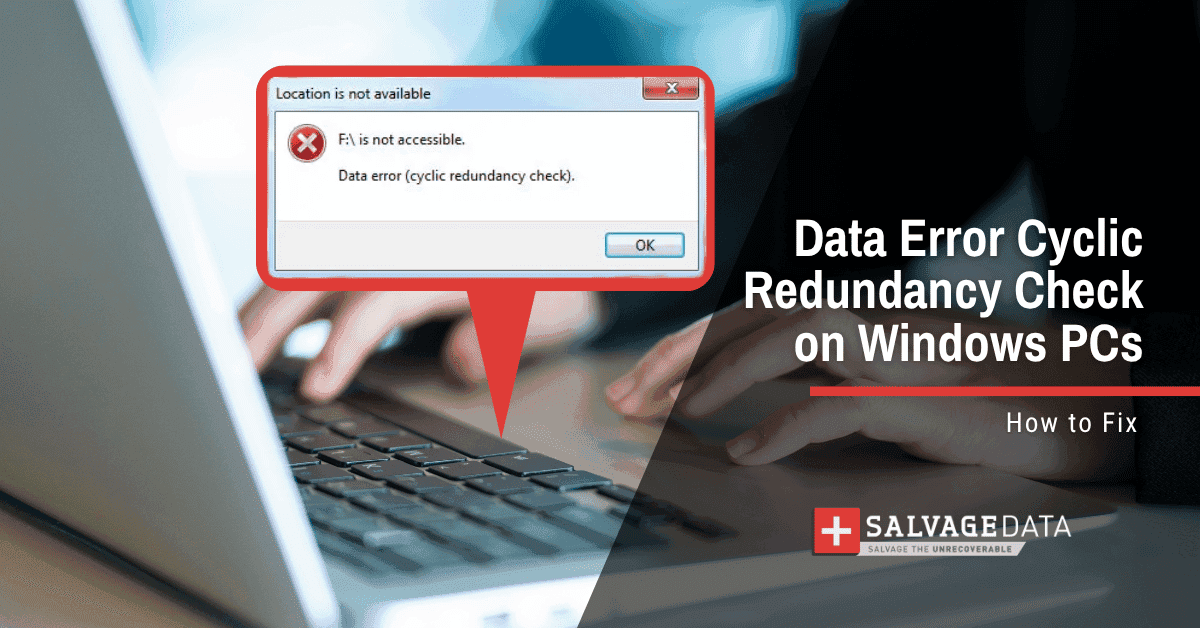
For a full breakdown of these and other disk errors, see our guide: Fix Hard Disk Errors. If you're seeing any of these, stop using the drive and request a free evaluation so we can confirm what's actually happening before you risk further data loss.
SalvageData offers three recovery options: Emergency (24/7 assistance, immediate start), Standard (5-7 business days), and Eco (10-15 business days, best value). Recovery timeframes cannot be guaranteed and serve only as an estimate.
SalvageData has a No Data, No Charge policy, in the unlikely event that we can't recover your data, we don't charge you for the worked hours and equipment used.
Yes. SalvageData maintains SOC 2 Type II certification and follows strict security protocols. Our lab is ISO-certified and we follow documented chain-of-command procedures for all devices.
It depends on the type of failure. If your hard drive is experiencing a purely logical issue, such as accidental deletion or a corrupted file system, data can sometimes still be recovered if you stop using the drive right away. If your drive shows any signs of physical or mechanical failure — clicking, grinding, not powering on, visible damage — attempting a DIY recovery risks permanent data loss. SalvageData doesn't sell recovery software; we recommend a free in-lab evaluation so our engineers can tell you exactly what you're dealing with before you risk anything.
In most cases, yes. Formatting a drive typically doesn't erase the data immediately — it removes the file system's index, which is why files can often still be recovered as long as the drive hasn't been used since the format. The sooner you stop using the drive and request a free evaluation, the higher your chances of a full recovery.
Yes, in most cases. Our engineers can recover data from encrypted or password-protected drives, including BitLocker- and FileVault-encrypted drives, provided the correct credentials or recovery keys are available. Every case starts with a free evaluation so we can confirm recoverability for your specific device and encryption method.
Yes, SalvageData can sign Non-Disclosure Agreements for corporate and sensitive data recovery cases. Contact us to discuss your security requirements.