
No, GTA 6 will not fry a healthy drive. But at up to 212GB, it can fill a drive fast. And a drive that is already struggling may start to crash or slow down. There is no PC release date, and there is no cloud option for PC either. The game is available on PS5 and Xbox Series X|S only.
Here is what the game needs, what really strains a drive, and how to keep your saves safe.
GTA 6 storage specifications on PS5 and Xbox
Before you clear space, you need to know how big the game is and which drives can run it. If you buy the wrong drive, you may not be able to play from it. Skip the size check and the install may not fit, which wastes time and money.
The table lists each requirement, why it matters, and where to find the details.
| Spec | Requirement | Why it matters | Covered in |
|---|---|---|---|
| Free space | 212GB, plus extra room | Patches, temp files and logs need space | Install size, Full capacity |
| Drive for playing | Internal SSD, PS5 M.2 SSD or Xbox expansion card | USB drives cannot run the game | Playable drives |
| M.2 interface | PCIe Gen4 x4 | Sony requires it for PS5 M.2 drives | Load times and streaming |
| Read speed | 5,500 MB/s or faster | Faster loading and copying | Load times and streaming |
| Cooling | Heatsink | Stops overheating and slowdowns | Heat |
| External SSD | Storage only | Fast archive for old games, clips, and files | Storage-only drives |
| External HDD | Storage only | Cheap archive for old games, clips, and files | Storage-only drives |
Install size
GTA 6 needs up to 212GB on console. Patches will require more storage space over time.
Playable drives
Three drives can run the game: the console's internal SSD, a PS5 M.2 SSD, and an Xbox expansion card. A few good options for the card include:
- Seagate Expansion Card stjr2000400
- Optimus GX C50 2TB Storage Expansion Card for Xbox
- 512GB WD_Black C50 Expansion Card for Xbox
Sony asks for a PCIe Gen4 x4 drive that reads at 5,500 MB/s or faster and has a heatsink, a metal part that draws heat away from the drive.
If you are weighing NVMe against other SSD types, NVMe is the type that meets Sony's requirement.
Storage-only drives
USB drives can store GTA 6, but you cannot play from them. You move the game back to internal or expansion storage first, as Sony and Xbox explain. That makes an external drive a good archive for old games when the console formats it. A drive formatted for PC use holds your captures and other files, but not game data.
An SSD is faster, and an HDD is cheaper. Our HDD vs SSD guide explains the trade-offs.
What really strains your drive with GTA 6
The file size alone does no harm or "fry" your storage drive. How you handle your drive matters more for an SSD's health.
Both hard drives and SSDs struggle when stress builds up: heat during a long install, not enough free space, transfers that get cut off, and constant game installs and deletes. The points below show where each kind of stress comes from and how to avoid it.
Heat
A long 212GB install keeps an M.2 SSD busy. Without a heatsink, it runs hot and slows down. Sony requires heat dissipation, so choose a drive that has it. A few options include:
- Samsung 990 PRO M.2 PCI Express 4.0 V-NAND NVMe
- Western Digital WD Black SN850P NVMe SSD
- Corsair MP600 Elite M.2 PCI Express 4.0 3D TLC NVMe
- Seagate Game Drive PS5 NVMe M.2 1 TB PCI Express 4.0 3D TLC
Full capacity
A nearly full drive has little room to work. Patches need temporary space, and your console needs room to unpack them. Kyle Ciresi, data recovery engineer at SalvageData, recommends keeping extra room free as a cushion. A game this big makes large temporary and log files while you play, and updates add more.
Repeated transfers
Moving a 212GB game between drives takes time. An interrupted transfer can leave a game half copied. Let every transfer finish, and do not turn the console off during updates and downloads.
Flash wear
Playing GTA 6 barely wears an SSD. Writing data does. Ciresi points out that clearing space for GTA 6 and reinstalling your other games later adds write cycles over time. Big updates and patches add more. One install is small, but constant swapping adds up.
How your drive changes the GTA 6 experience
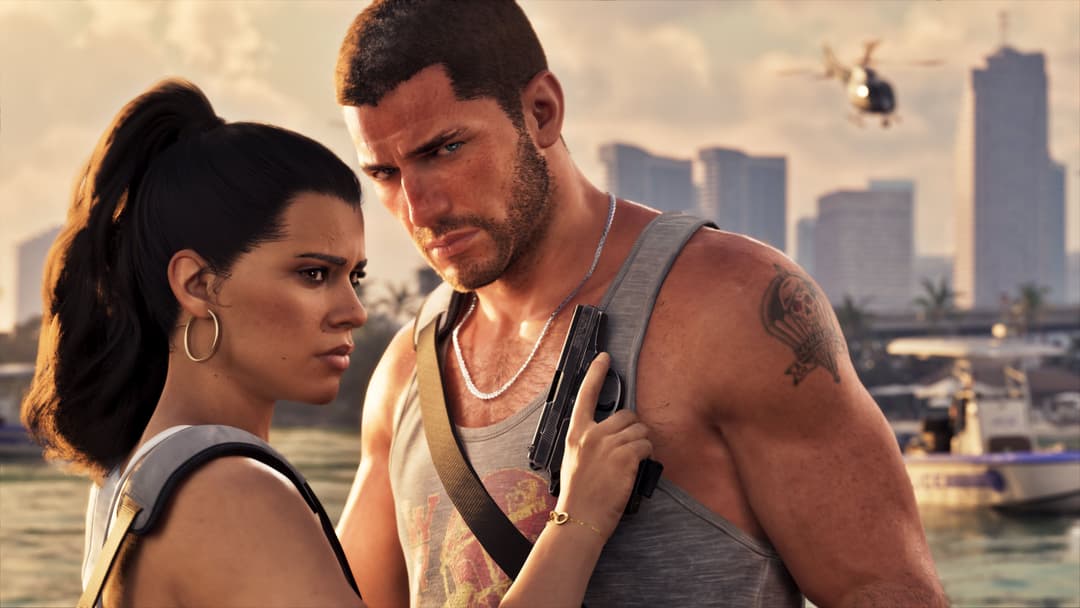
GTA 6 is a game with realistic visuals, and your console does the heavy work to show them. Your drive does not change resolution or frame rate, but it does affect load times, how smoothly the world streams in, and how many games fit. Those are the storage points to look for.
This section is for readers who plan to add storage, such as a PS5 M.2 SSD or an Xbox expansion card. If you are staying with your console's built-in drive, you can skip it.
Load times and streaming
Read and write speed tells you how fast games load and copy. In GTA 6, a faster drive shortens the wait when you start the game or load a save.
GTA 6 is a large open-world game, as you can see from its map, so the console keeps pulling new parts of the map from the drive while you play.
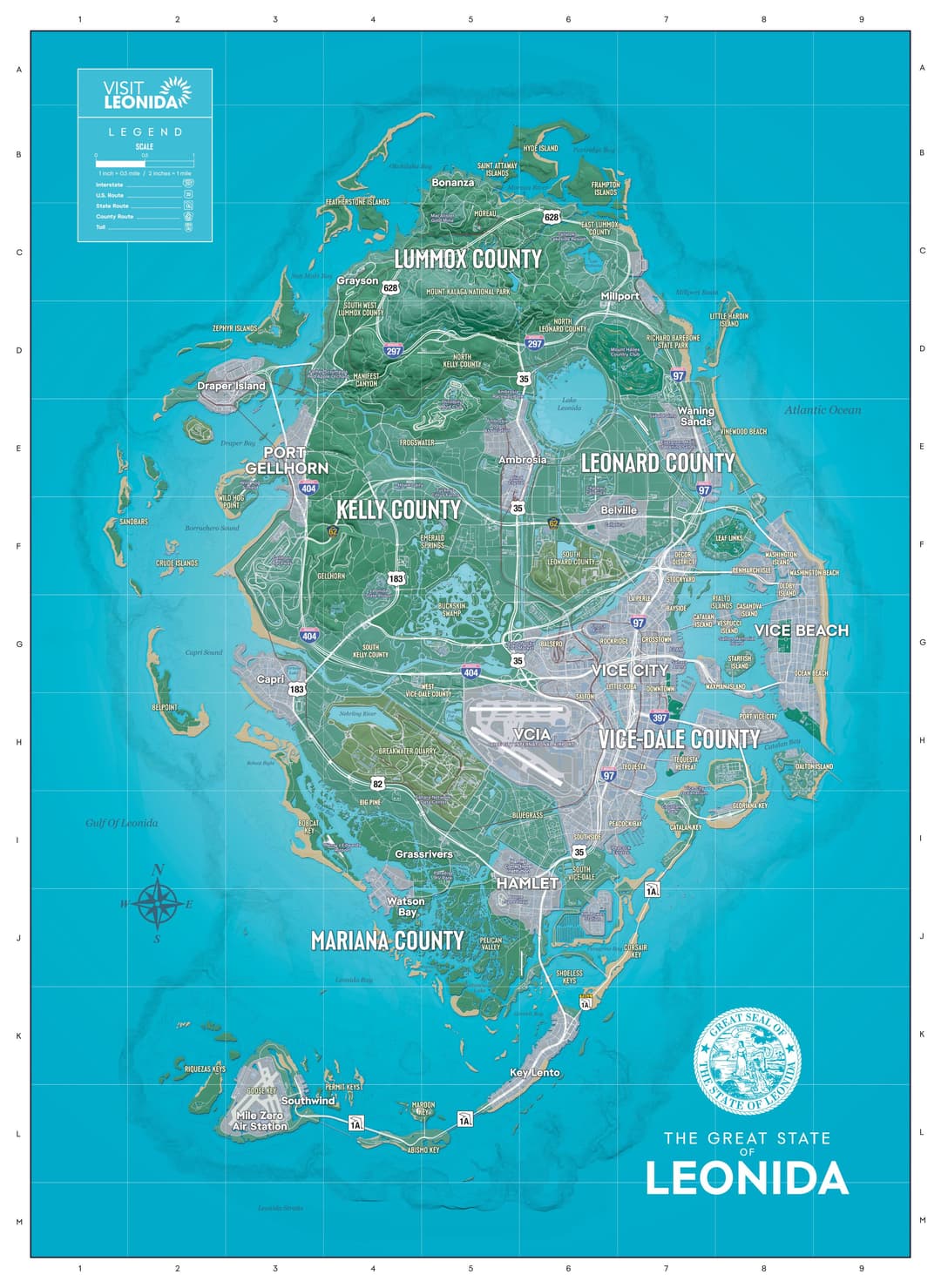
Low latency, the short wait before a drive answers a request, helps those areas stream in without hitching, so the game does not stutter as you move through the world.
Drive capacity
The size printed on a drive is not the space you get. System files take some of it, so a 1TB drive offers less than 1TB. Take away that space, then divide what is left by about 212GB to see how many big games fit.
How to protect your drive and your data
A few simple habits protect your drive and your data. If you just bought a PS5 or Xbox to play GTA 6, these tips help your console last for years. If you have had your console for a while, these tips can also help you prolong the life of your device.
Here is what is at stake:
- Saves that exist only on the console drive
- Clips or captures you have not copied anywhere else
Watch for these signs that your data is at risk:
- Games or the console crash or freeze more often.
- Loading takes much longer than it used to.
- The drive disconnects, or the console cannot see it.
- Saves or files go missing or will not open.
Any of these can mean the drive is failing.
Manual and warranty
Your console comes with a manual and warranty terms. They explain how to set up and use it. Read them before you install anything extra, such as a new SSD. Ignoring them can put your warranty at risk, and the warranty is your safety net if the console fails.
Airflow
A console needs room to breathe. Place it where air can move around it, and keep it away from walls and closed cabinets. Heat builds up in tight spaces, and a hot console slows down. A cooler console also puts less strain on its drive.
Account sign-in
Sign in to your PlayStation or Xbox account on the console. Your account keeps your profile and game library, so they stay with you even if you uninstall GTA 6 to free space.
Some games have their own logins too. If you sign in to a Rockstar account, you can uninstall GTA 6 and return to it later without starting a new save. Keep in mind that Rockstar saves do not move between different devices or platforms.
Automatic updates
Turn on automatic updates for the system and your games. System patching means updating the system and its software with security fixes. Updates also fix bugs, so skipping them leaves known problems in place.
Backups
Ciresi's advice is simple. Keep a backup drive for the clips and files you cannot replace, and turn on the cloud backups that come with the online services from PlayStation and Xbox. Check your plan first, because cloud storage is free on some services, free up to a limit on others, and paid on the rest.
Do not keep the only copy of your clips or other files on a game drive and do not lean on autosave alone. GTA 6 autosaves after major story missions and certain side quests, but not constantly, so quitting at the wrong time can cost you recent progress.
Manually save from the Game menu at regular points, though not in the middle of a mission.
Our guide to storage options can help you choose a backup drive.
Can professional data recovery restore console data if a drive fails or your saves disappear?
Professional data recovery labs, like SalvageData, can recover data from most seventh-generation consoles and earlier. The Xbox 360 is the one we encounter most.
Unfortunately, modern consoles with built-in drives, such as the PS5 and Xbox Series, cannot have their data recovered. This is because modern consoles have a custom encrypted file system that is cryptographically tied to the console's unique motherboard hardware (specifically the APU/CPU) and the storage controller, making the data unreadable if the chips are removed or if the main board suffers catastrophic failure.
Even if you add drives yourself, those will still be unrecoverable because when you format an Xbox expansion card or a PS5 M.2 SSD on the console, it typically gets the same custom, encrypted file system, so we cannot recover those either. That is why backups matter for anything stored on the console or on a console-formatted drive.
You can format an external drive for PC use to move clips and other files, though you can't save game data on it because of DRM copyright protection. If that hard drive or SSD fails, or a PC drive full of clips and files stops working, our engineers can recover data from a failed SSD or a failed hard drive.
Ciresi adds one rule: never save recovered files onto the drive you are recovering from, because that overwrites the files you want back. If you notice any of the signs above, power the drive off and contact SalvageData before you try anything else.